
We are pleased to offer these new featured wallpapers, 100% free of charge. Did you miss some previous featured wallpapers? Check out our recently archived wallpapers and our wallpaper category pages.

How Do I Make This My Current Wallpaper?
 Easy Way:
Click on your desired size, which causes a larger version to download. Once it's finished displaying, right-click on the large image, and select "Set as Background".
Alternate Methods:
Right-click on your desired size and select "Save Target As" or "Save Link As", and select an appropriate location in the resulting pop-up box, then click "Save".
Right-click on your desktop, choose "Properties", and on the "Desktop" tab click the "Browse" button. Highlight the file you just saved, and click "Open".
Many cellphones and PDA's allow image transfer by email, SMS/text message, and/or direct data connection/synching to a computer. For specifics on your model, please consult your user's manual.
Frequently Asked Questions
Can I Subscribe To Get Automatic Updates?
Yes, thanks for asking! Use our handy-dandy RSS feed and automatically receive thumbnails and links to the latest wallpapers
Why Isn't My Size Listed?
Our wallpapers are available in common sizes for computers, PDAs, and cellphones (within reason - there are hundreds!). If your size isn't listed, however, send us some feedback and suggest a size!
Tip: In addition to the sizes listed above, there are two other hidden sizes available. The main preview image (above) is 320x240, and the archive thumbnail (below) is 160x120. Pretty sneaky, sis!
What If It's The Wrong Size?
If the image is the wrong size for your computer screen, change your desktop setting to "stretch" in your Display options (in Start, Control Panel):
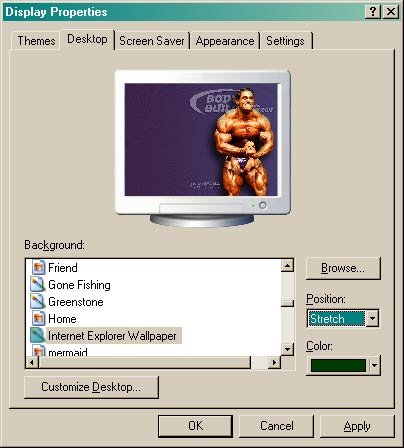
 Click Image To Enlarge.
 Stretch Setting in Windows XP.
Many cellphones will automatically resize images to fit the screen, as long as it's the correct aspect (width-to-height) ratio.
Can I Submit My Own?
Yes, naturally! Click here and here to see user-submitted wallpapers.
Click Here To View All Wallpapers.
 |
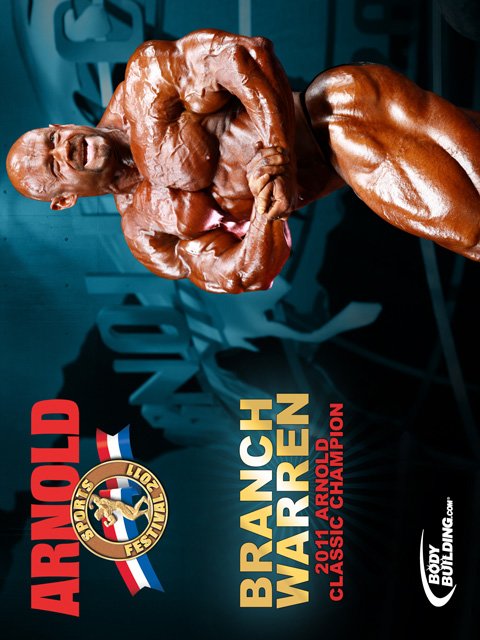
 2011 Arnold Classic Champion. IFBB Pro Bodybuilder Branch Warren! Image Courtesy Of Isaac Hinds. Week #236 - 03/14/2011 1600x1200 - 1280x1024 - 1152x864 - 1024x768 - 800x600 480x640 - 320x240 - 240x320 - 160x160 - 160x120 - 128x128 |









 |
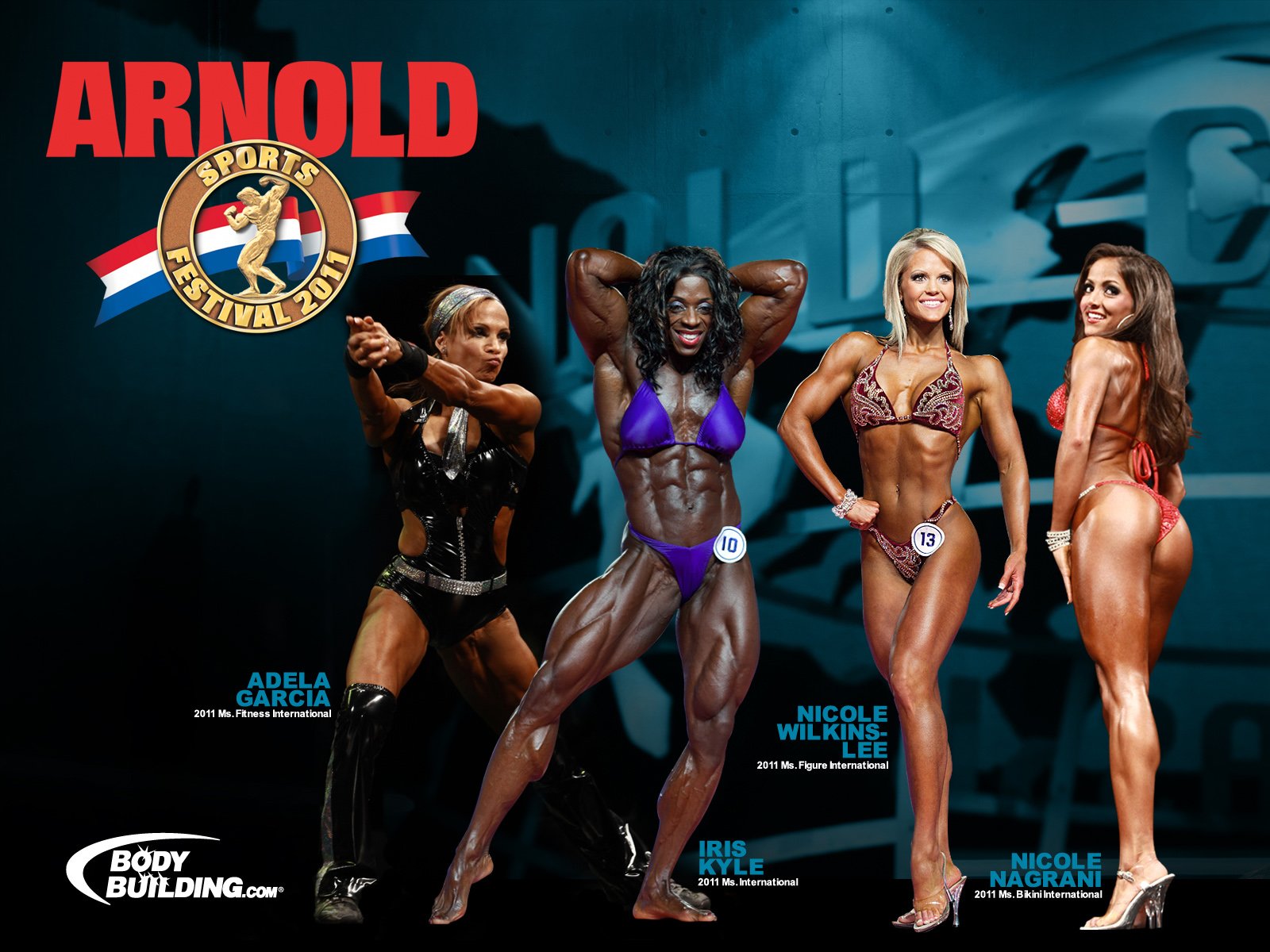
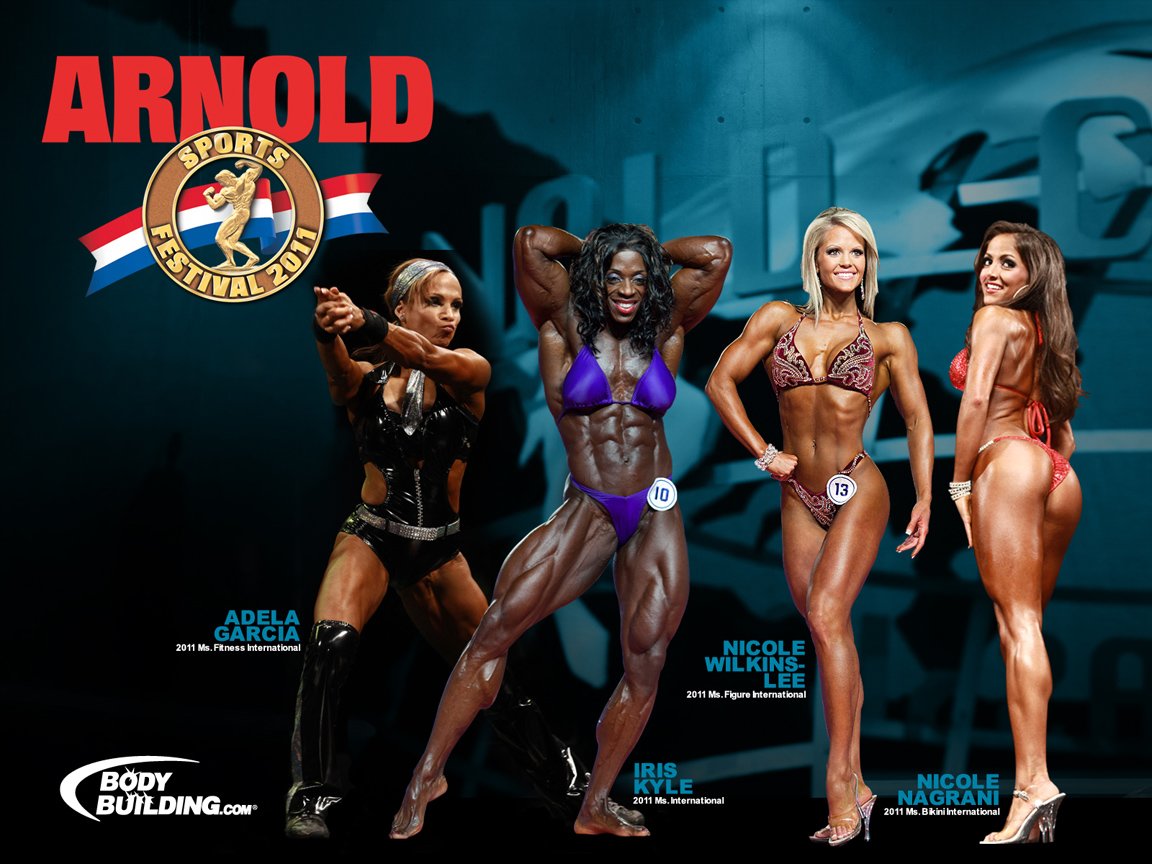
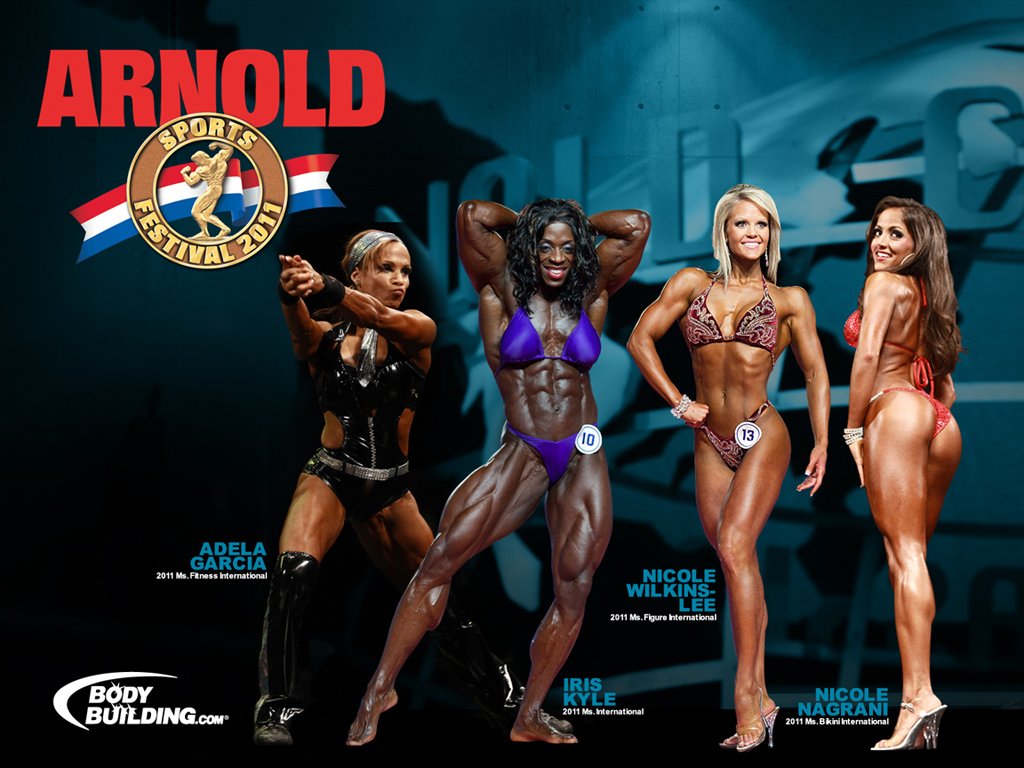
2011 Female International Winners! Adela, Iris & the 2 Nicoles! Image Courtesy Of Isaac Hinds. Week #236 - 03/14/2011 1600x1200 - 1280x1024 - 1152x864 - 1024x768 - 800x600 480x640 - 320x240 - 240x320 - 160x160 - 160x120 - 128x128 |



 |
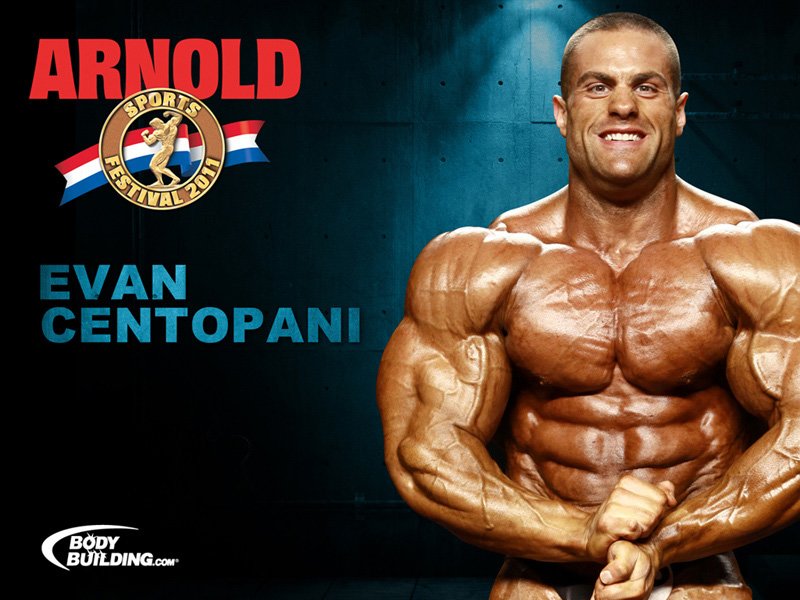
2011 Arnold Classic Contender Series. IFBB Pro Evan Centopani! Image Courtesy Of Isaac Hinds. Week #235 - 02/25/2011 1600x1200 - 1280x1024 - 1152x864 - 1024x768 - 800x600 480x640 - 320x240 - 240x320 - 160x160 - 160x120 - 128x128 |





 |
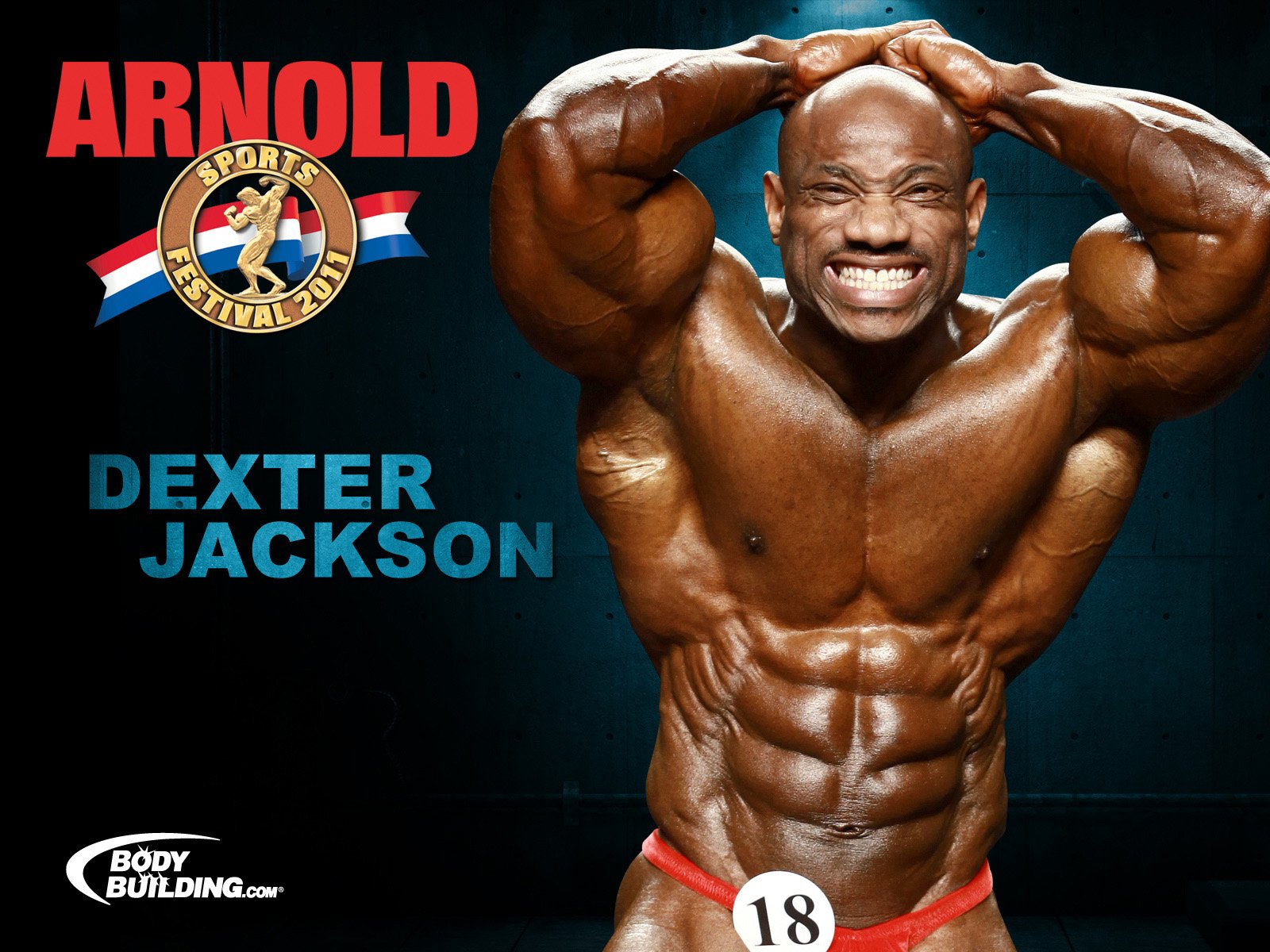
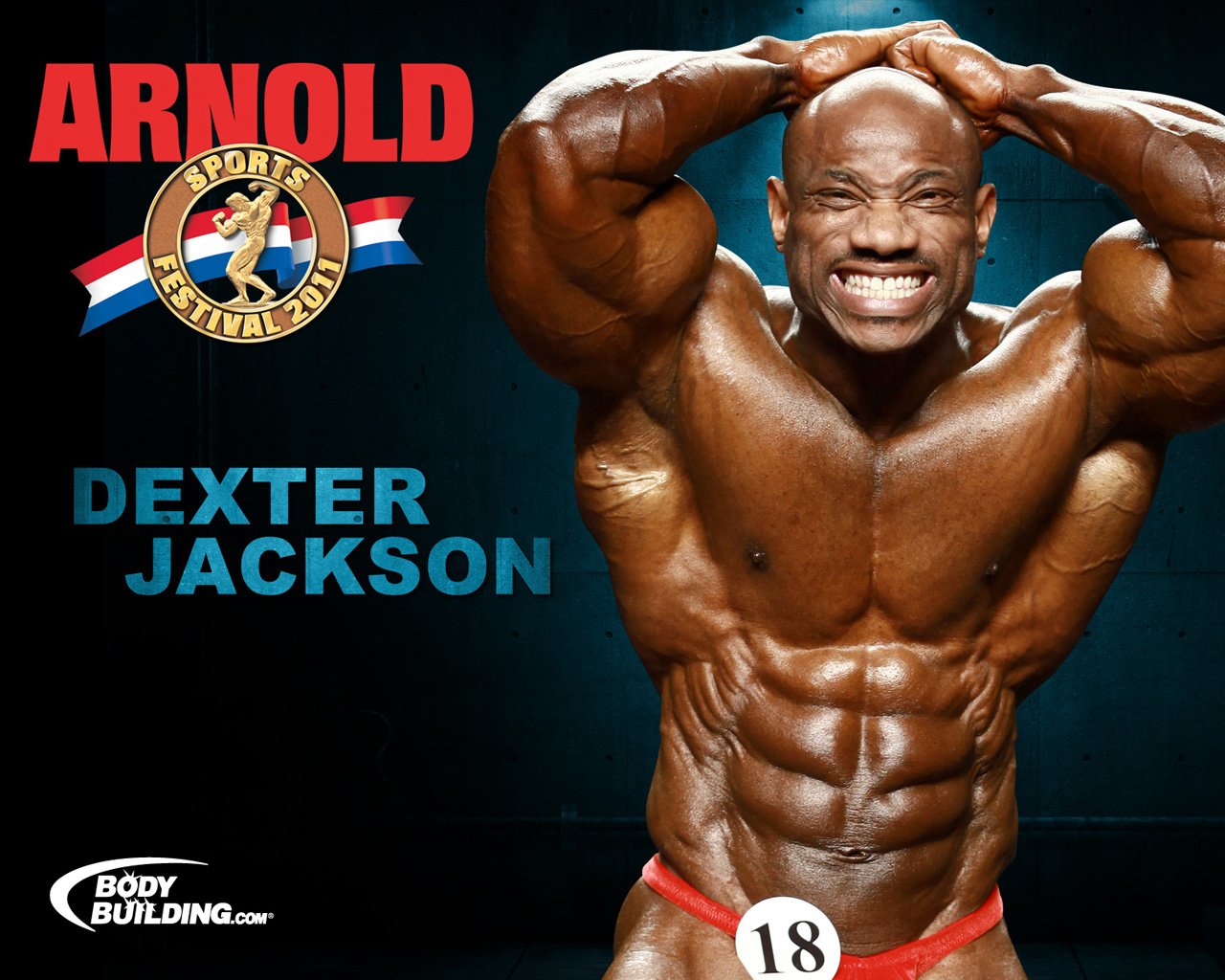
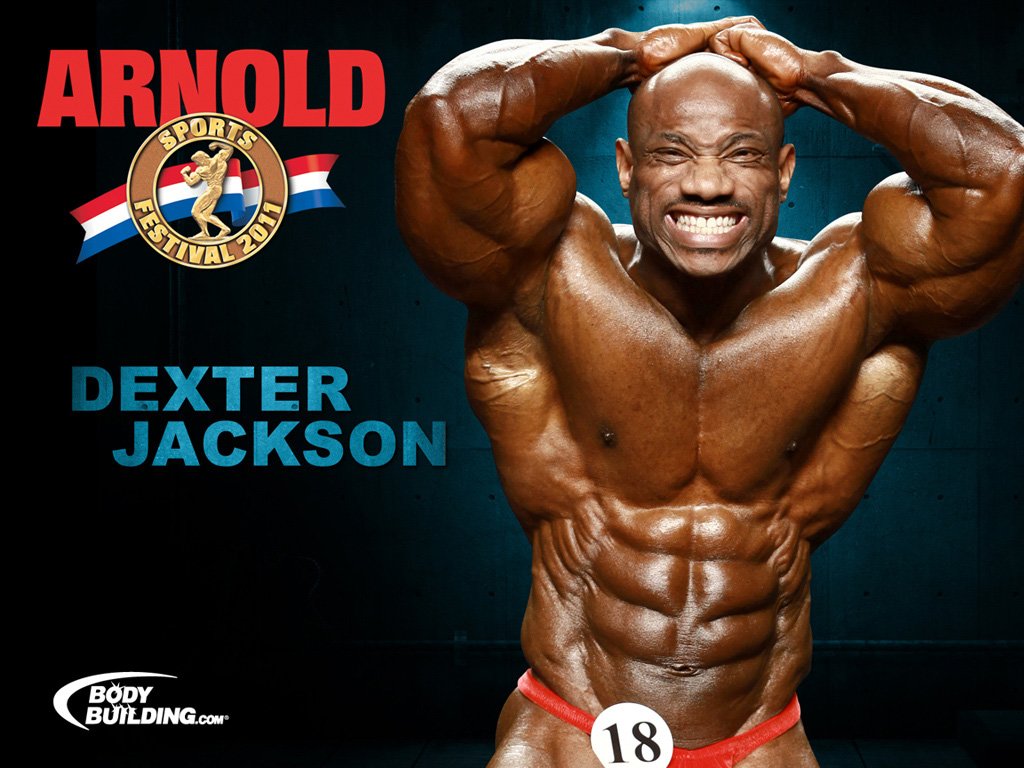
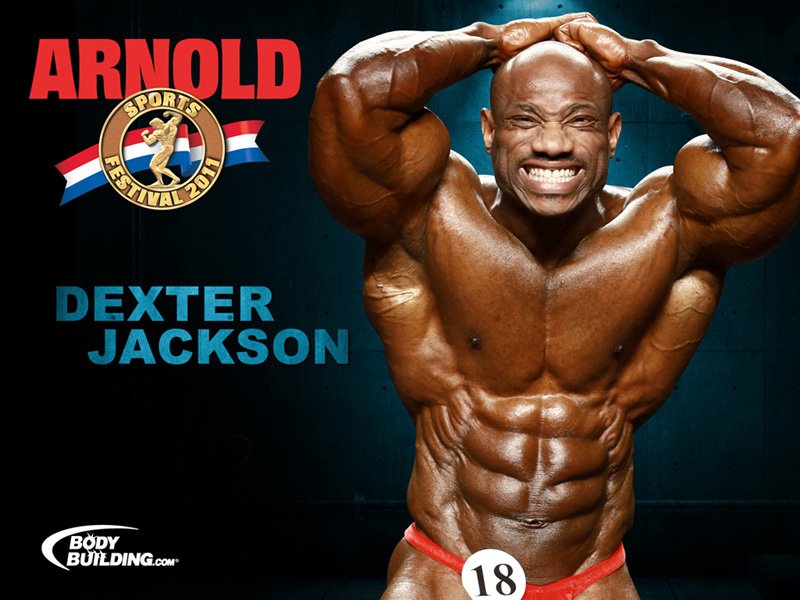
2011 Arnold Classic Contender Series. Dexter 'The Blade' Jackson! Image Courtesy Of Isaac Hinds. Week #235 - 02/25/2011 1600x1200 - 1280x1024 - 1152x864 - 1024x768 - 800x600 480x640 - 320x240 - 240x320 - 160x160 - 160x120 - 128x128 |




 |
2011 BodySpace Spokesmodel Search! Group A Of The Finalists! Image Courtesy Of Michael Neveux. Week #234 - 02/10/2011 1600x1200 - 1280x1024 - 1152x864 - 1024x768 - 800x600 480x640 - 320x240 - 240x320 - 160x160 - 160x120 - 128x128 |










 |
2011 BodySpace Spokesmodel Search! Group B Of The Finalists! Image Courtesy Of Michael Neveux. Week #234 - 02/10/2011 1600x1200 - 1280x1024 - 1152x864 - 1024x768 - 800x600 480x640 - 320x240 - 240x320 - 160x160 - 160x120 - 128x128 |










 |
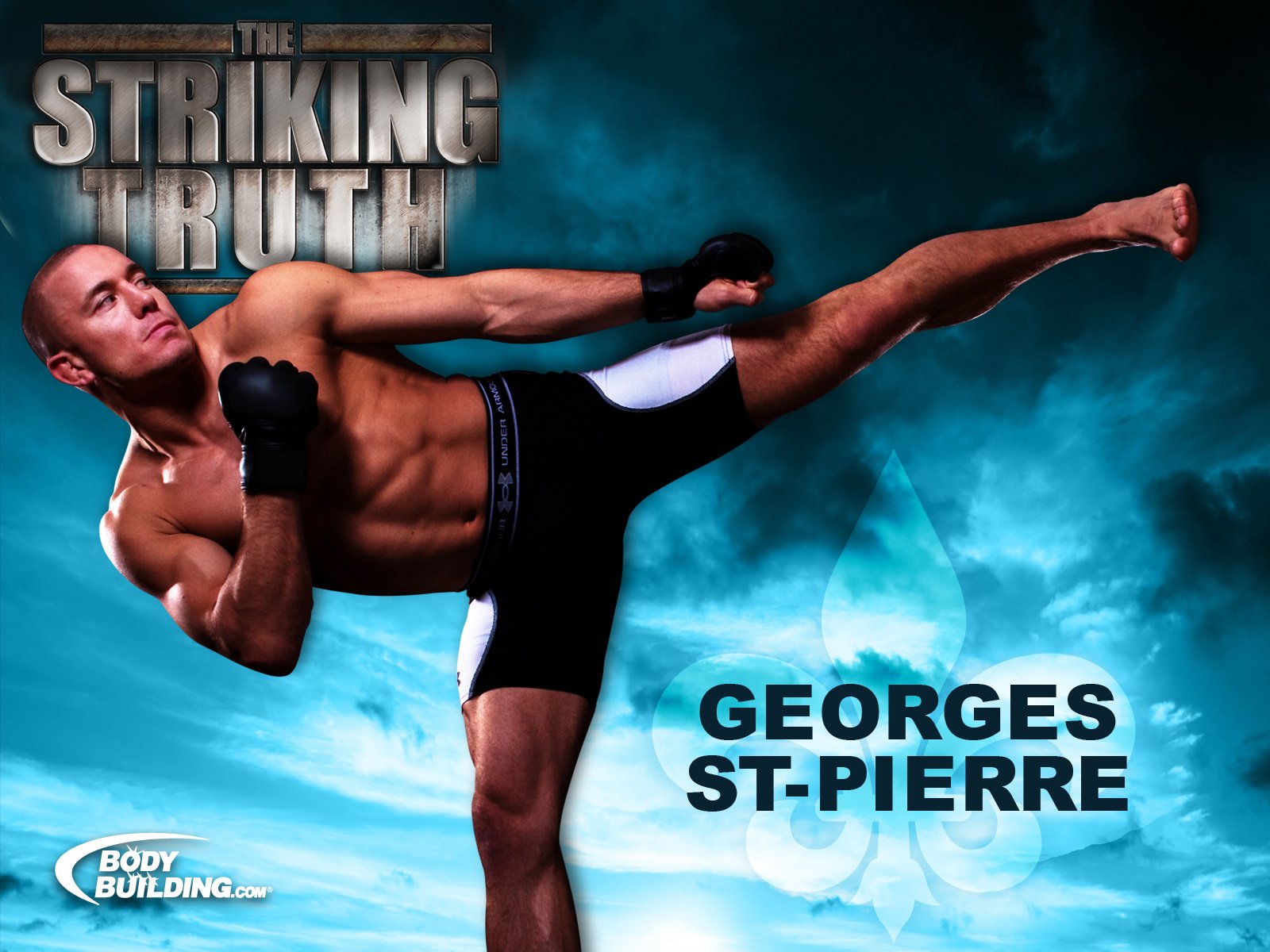
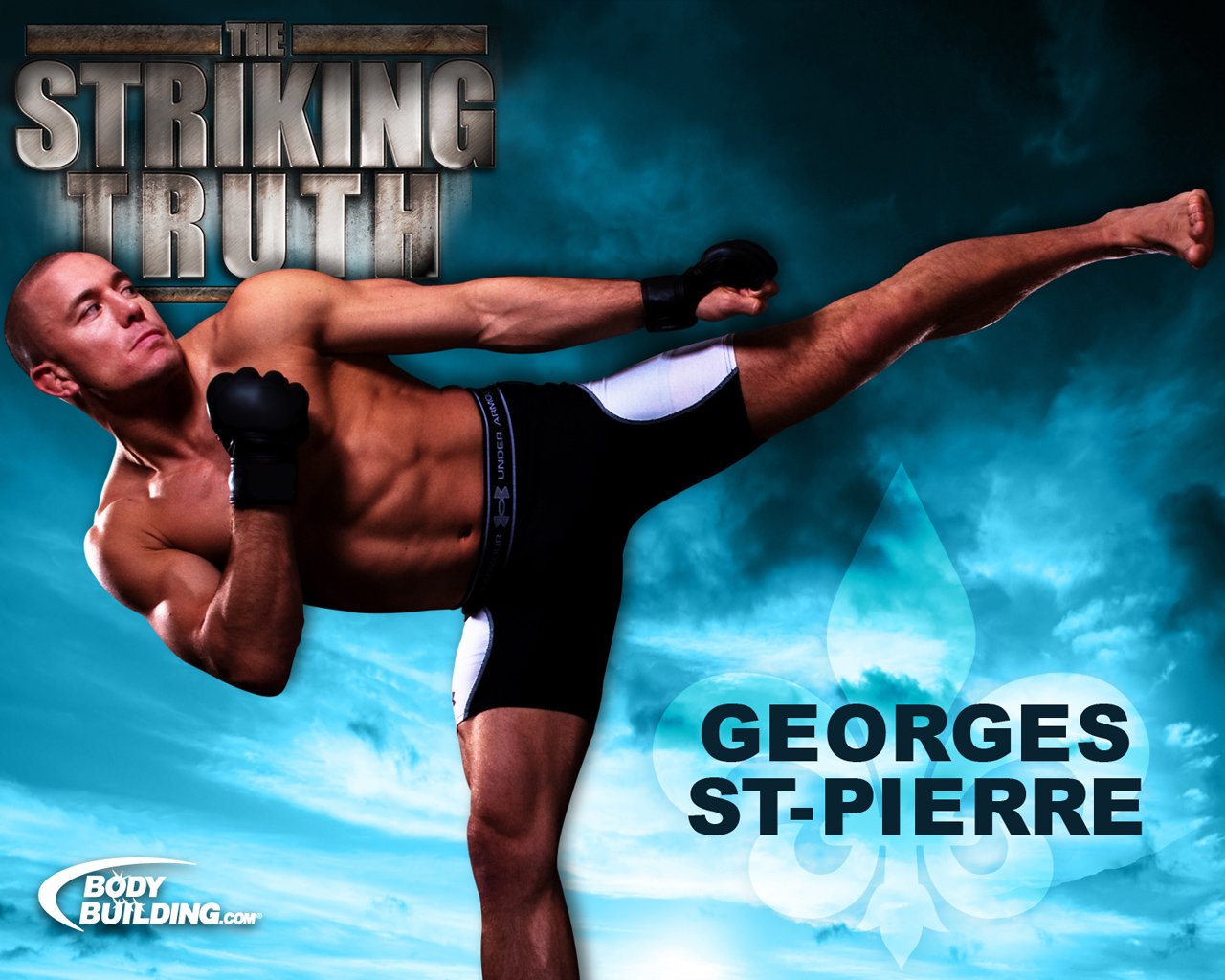
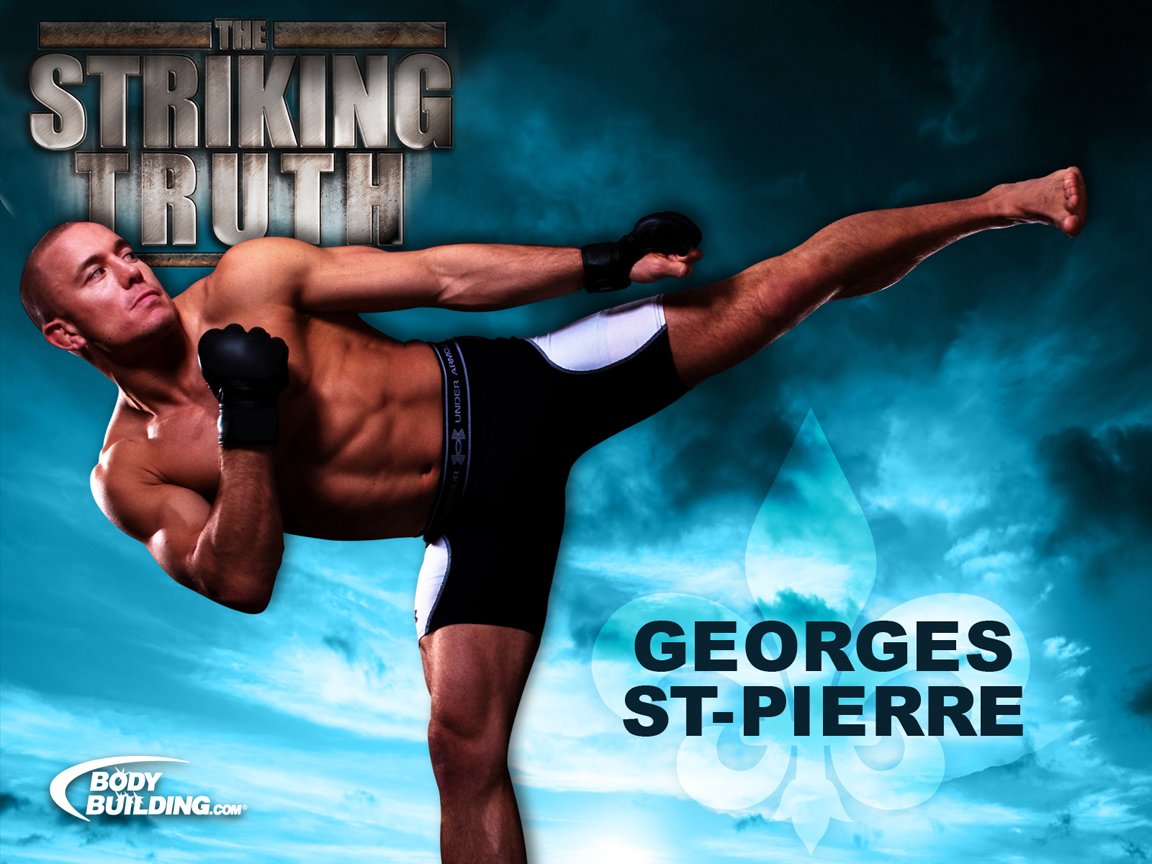
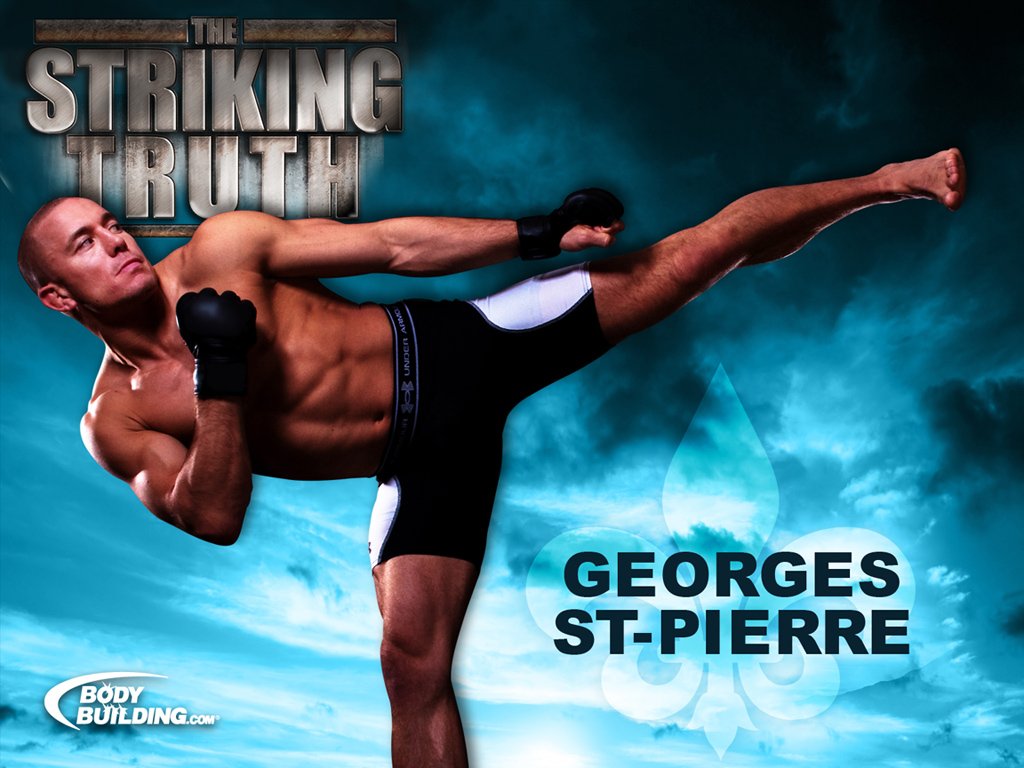
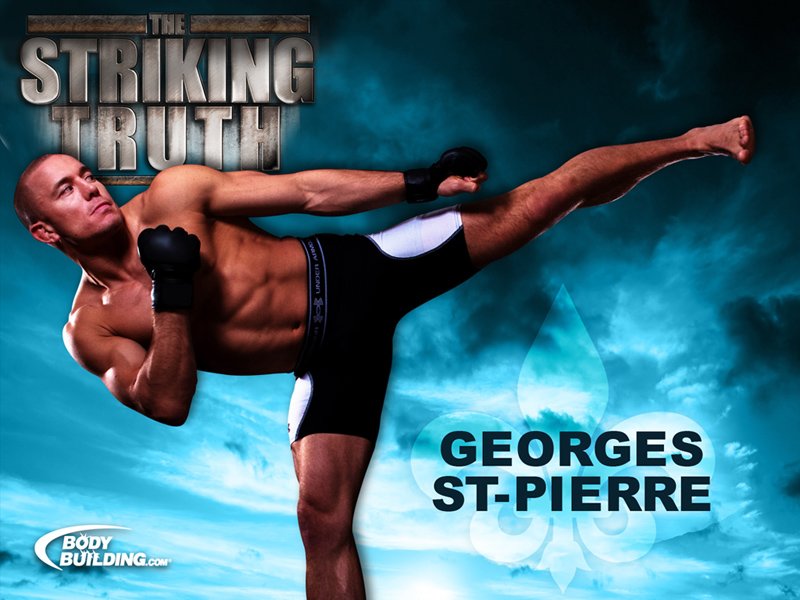
Georges St-Pierre. The Striking Truth! Image Courtesy Of Liana Saadi. Week #233 - 11/23/2010 1600x1200 - 1280x1024 - 1152x864 - 1024x768 - 800x600 480x640 - 320x240 - 240x320 - 160x160 - 160x120 - 128x128 |


 |
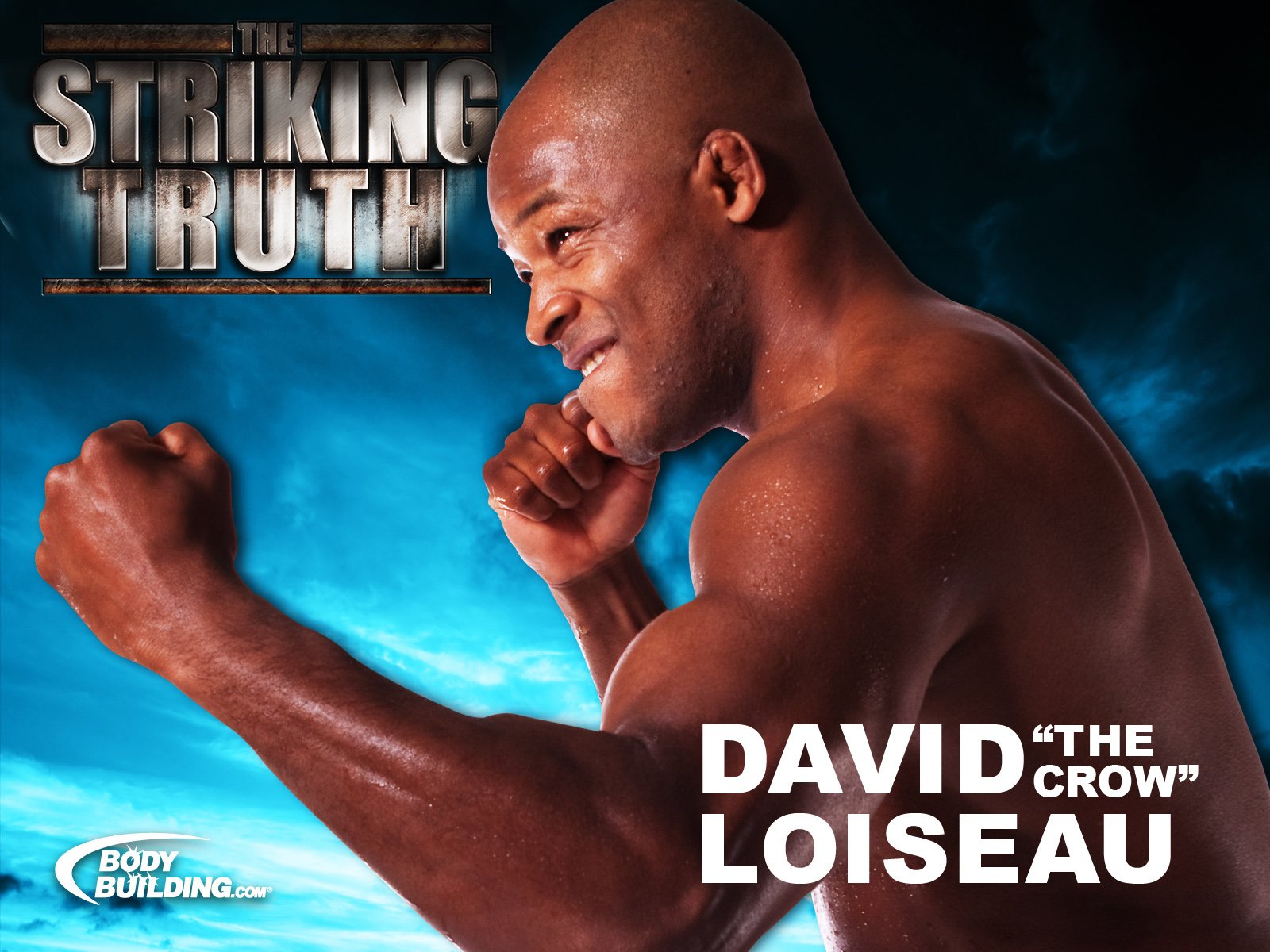
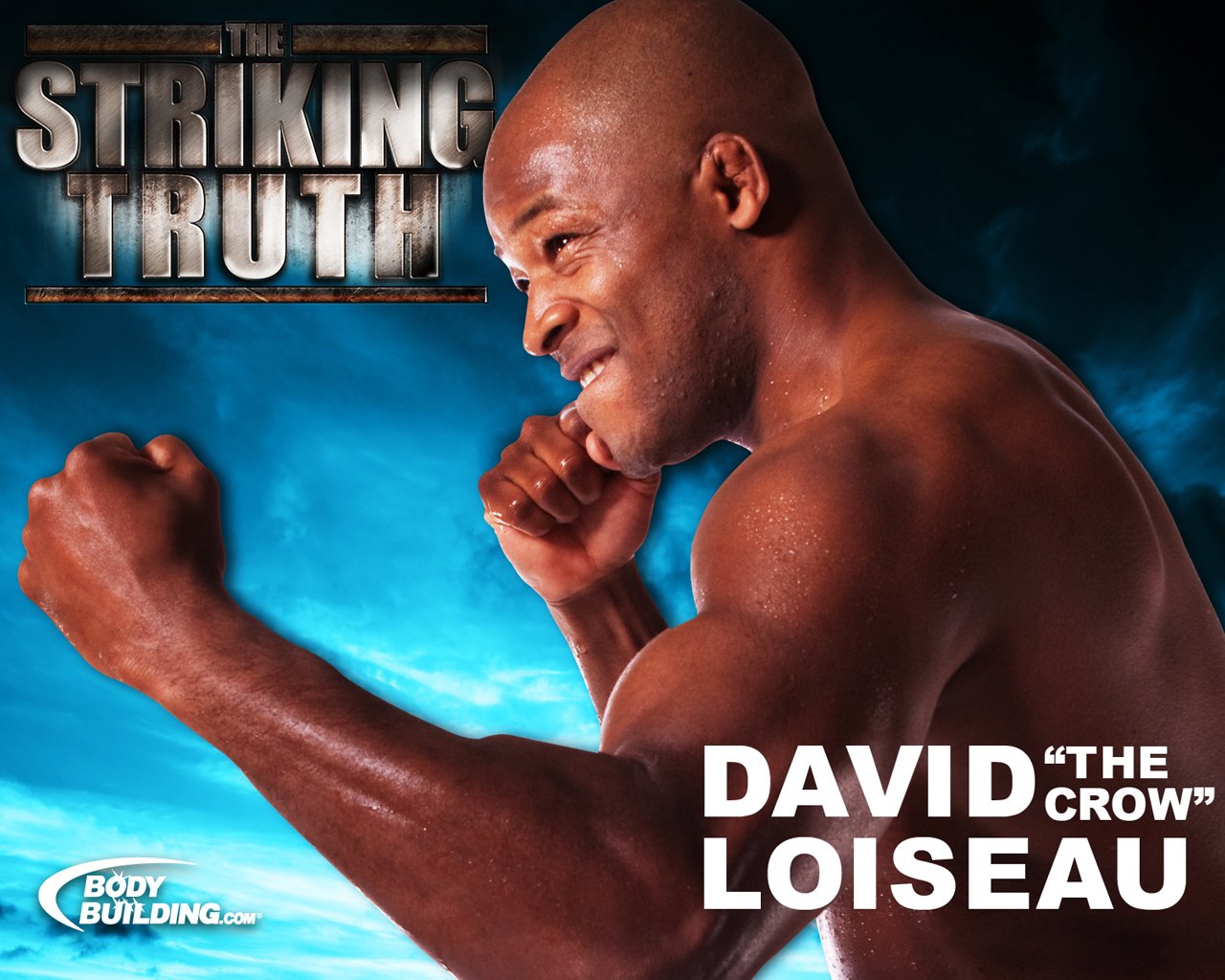
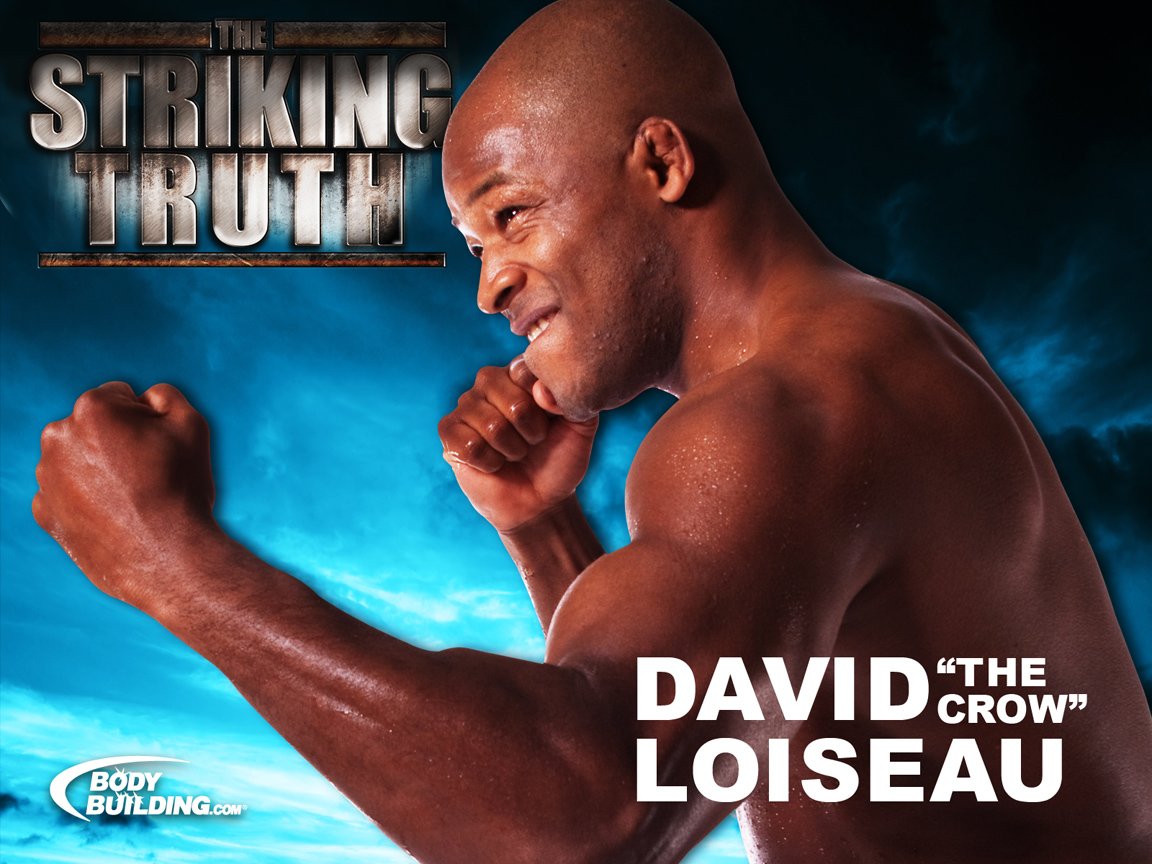
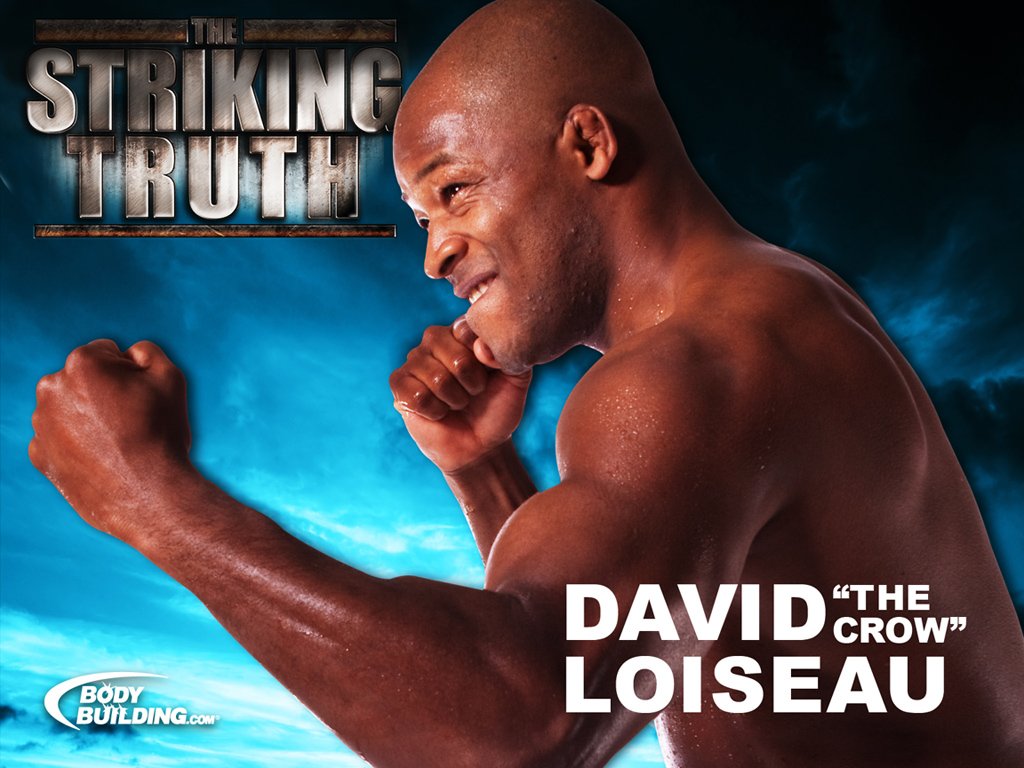
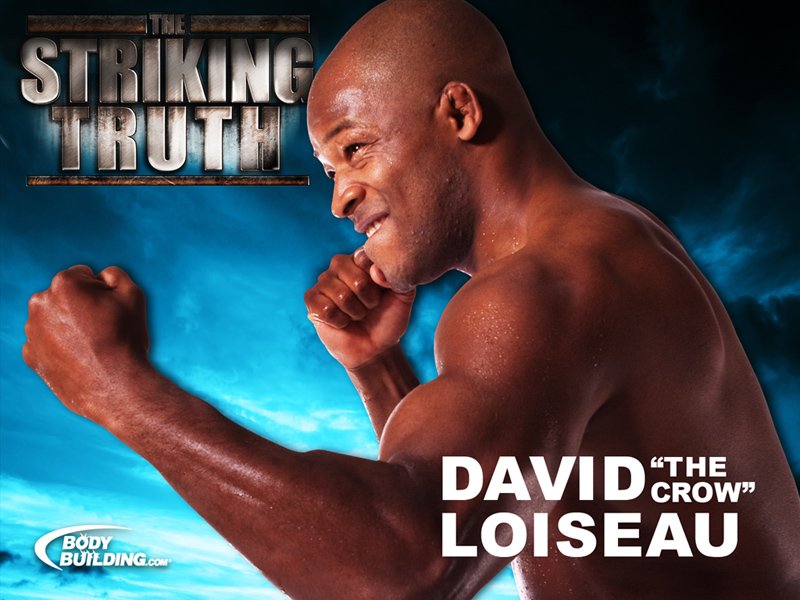
David Loiseau. The Striking Truth! Image Courtesy Of Liana Saadi. Week #233 - 11/23/2010 1600x1200 - 1280x1024 - 1152x864 - 1024x768 - 800x600 480x640 - 320x240 - 240x320 - 160x160 - 160x120 - 128x128 |




 |
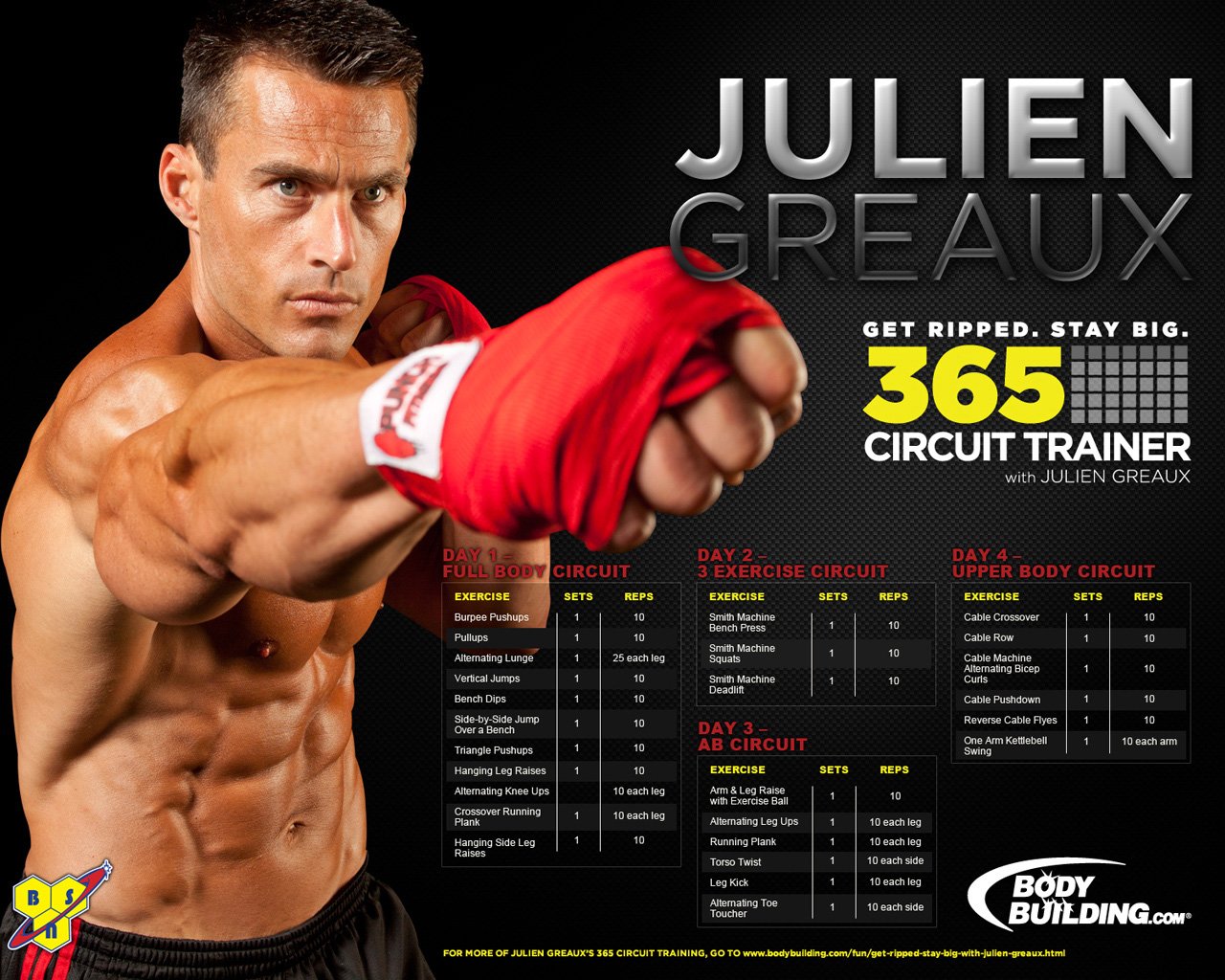
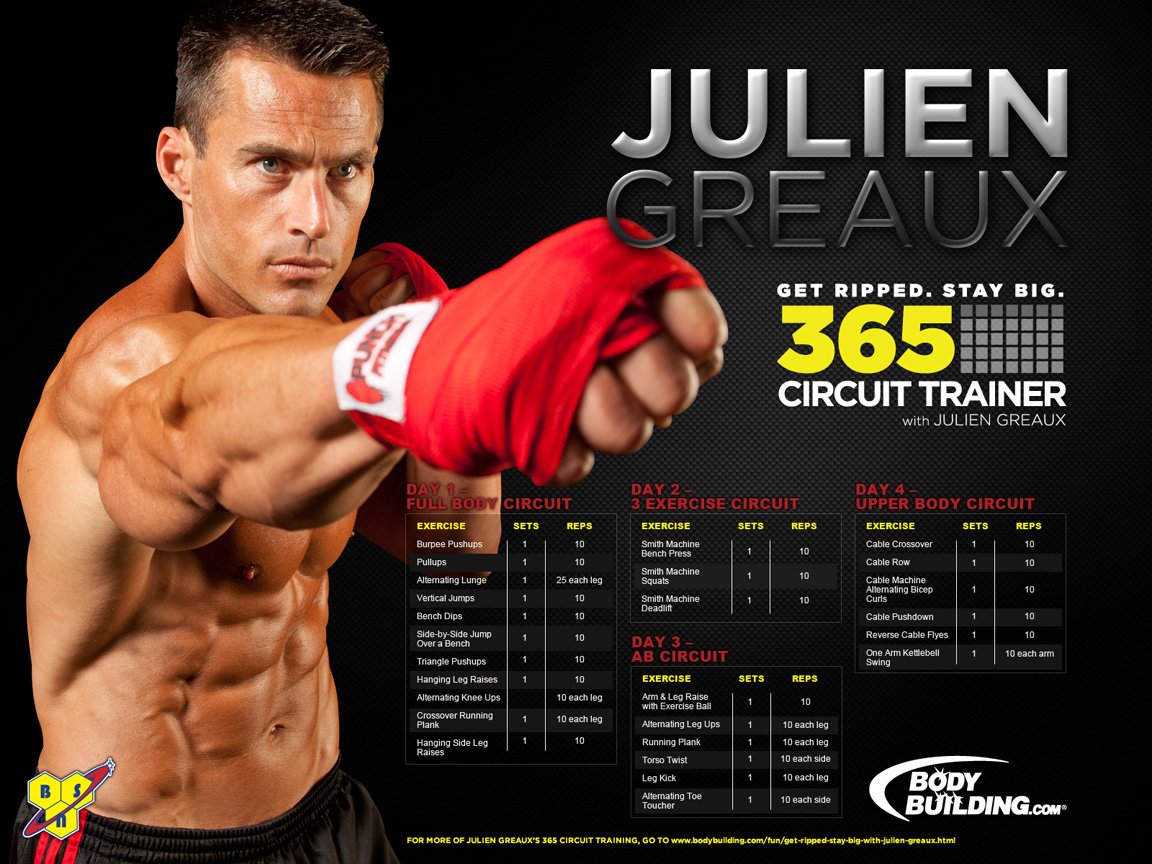
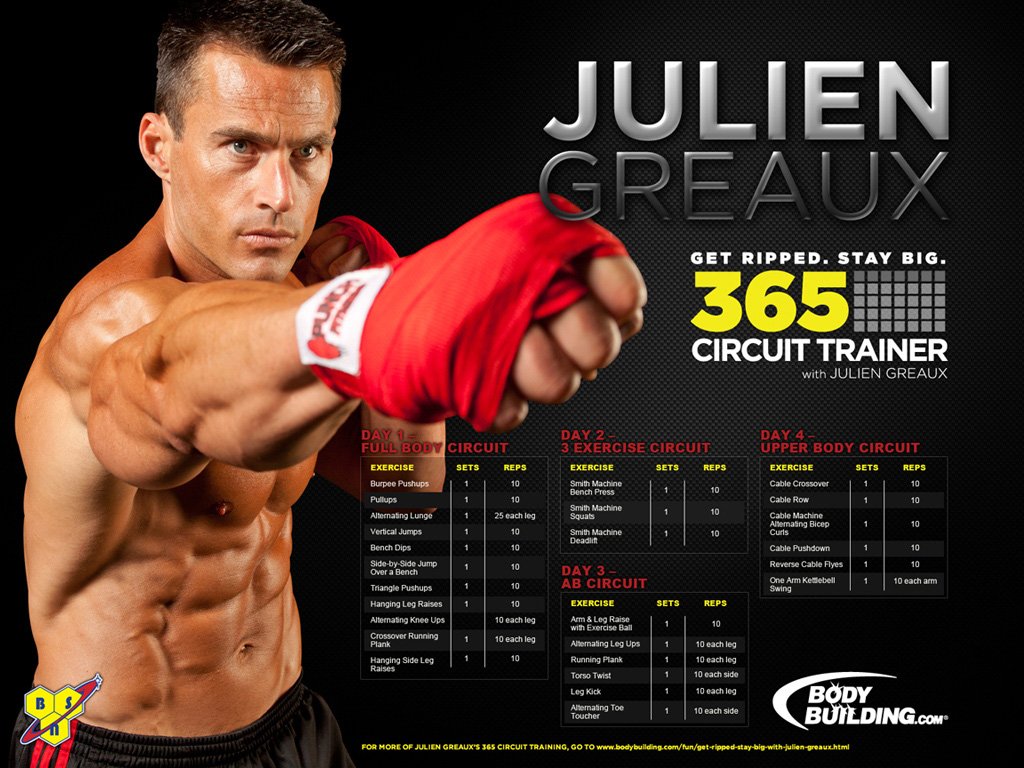
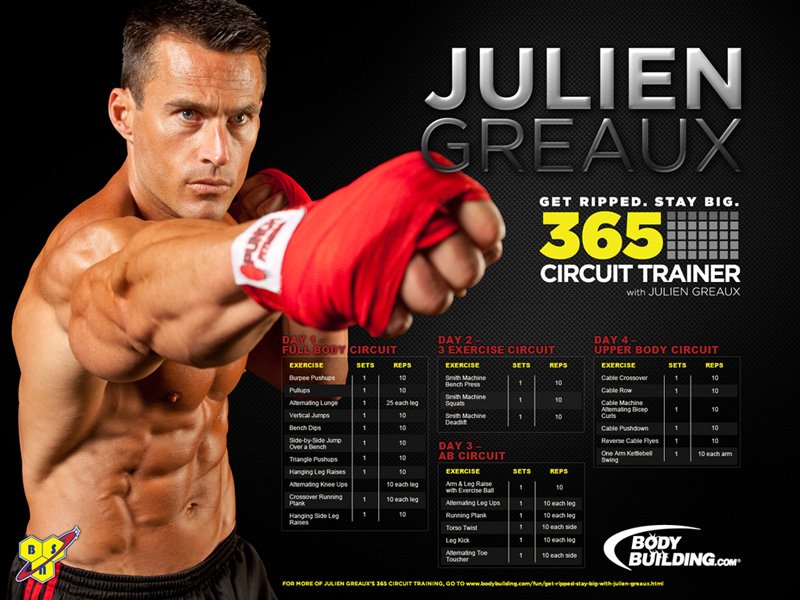
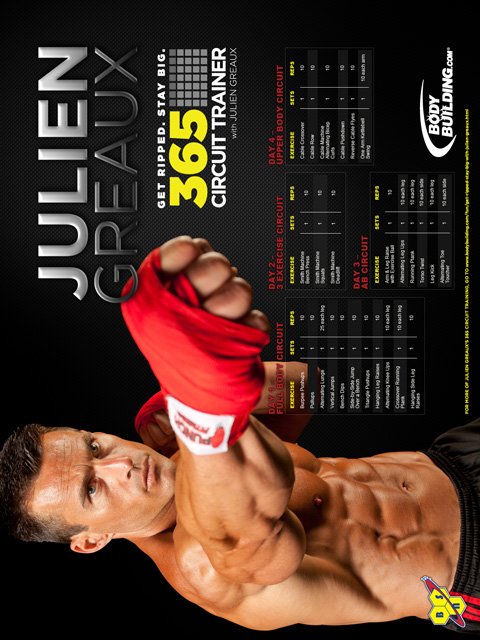
Julien Greaux! 365 Circuit Trainer. Image Courtesy Of BSN. Week #232 - 11/9/2010 1600x1200 - 1280x1024 - 1152x864 - 1024x768 - 800x600 480x640 - 320x240 - 240x320 - 160x160 - 160x120 - 128x128 |




 |
Amanda Harris! NPC Competitor & Fitness Model. Image Courtesy Of Brent Allen. Week #232 - 11/9/2010 1600x1200 - 1280x1024 - 1152x864 - 1024x768 - 800x600 480x640 - 320x240 - 240x320 - 160x160 - 160x120 - 128x128 |









For Older Wallpapers, Visit The Full Archive.